
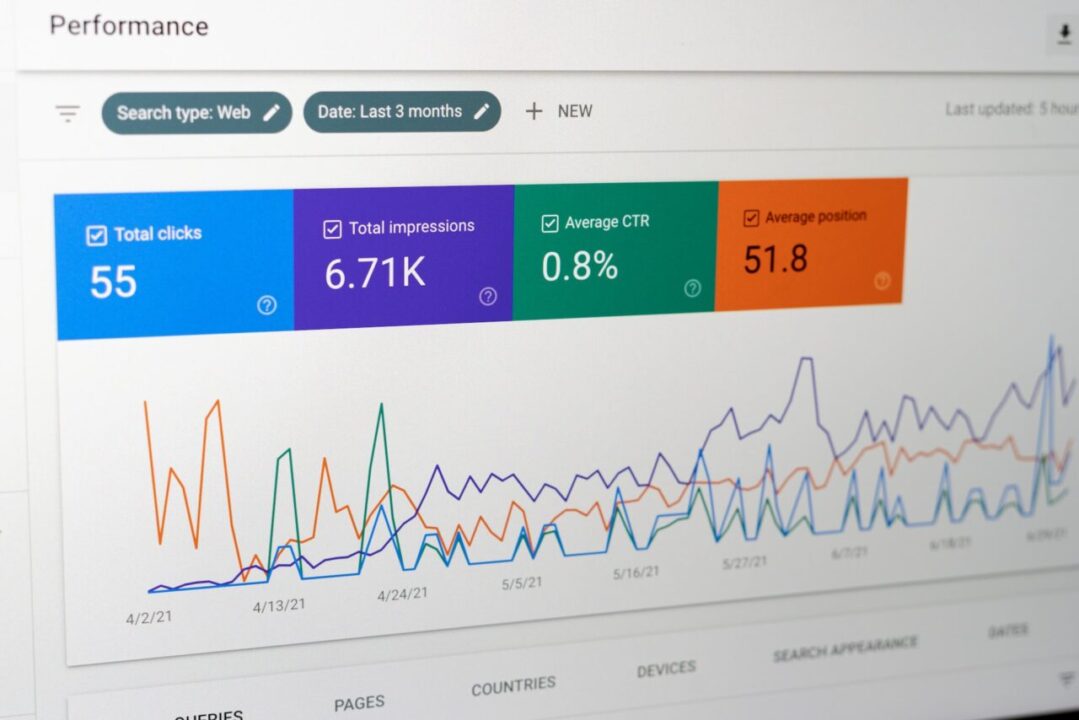
To audit SEO keywords on your website, you need to analyze the queries that users are searching for, the pages that are ranking for those queries, and the pages that you want to rank for those queries. You also need to identify the gaps and opportunities to improve your keyword targeting and optimization. Here are some steps you can follow to create a report that shows this information:
- Use Google Search Console (GSC) to export the queries that your website is ranking for. You can do this by going to Performance > Search Results and clicking on Export Data. This will give you a CSV file with the queries, impressions, clicks, click-through rate (CTR), and average position for each query.
- Use Ahrefs Site Explorer to export the pages that are ranking for those queries. You can do this by entering your domain in the search bar and going to Organic Keywords > All Keywords. Then, filter the keywords by the ones that you exported from GSC and click on Export. This will give you a CSV file with the keywords, URL rating (UR), domain rating (DR), traffic, position, volume, keyword difficulty (KD), and cost per click (CPC) for each page.
- Use a spreadsheet tool like Excel or Google Sheets to combine the data from GSC and Ahrefs Site Explorer. You can do this by using the VLOOKUP function to match the queries with the pages based on the keywords. This will give you a table with the queries, pages, impressions, clicks, CTR, average position, UR, DR, traffic, volume, KD, and CPC for each query-page pair.
- Use conditional formatting to highlight the query-page pairs that have high impressions but low clicks or CTR. These are the pages that have potential to improve their rankings and traffic by optimizing their title tags, meta descriptions, headings, content, and internal links.
- Use conditional formatting to highlight the query-page pairs that have low impressions but high clicks or CTR. These are the pages that have high relevance and user intent but low visibility or competition. These are the pages that you can boost their rankings and traffic by building more backlinks, promoting them on social media, or creating more content around them.
- Use filters or pivot tables to group the query-page pairs by topics or categories. This will help you see which topics or categories are performing well or poorly on your website and where you need to focus your efforts.
- Use charts or graphs to visualize the data and trends. This will help you see the distribution of impressions, clicks, CTR, average position, traffic, volume, KD, and CPC across your query-page pairs and identify patterns or outliers.
This is how you can create a report that shows the queries, ranking pages, keyword targeted pages for your website audit. The report should give you some insight into how to improve the pages that you want to rank for by addressing the gaps and opportunities in your keyword strategy. I hope this helps you with your SEO audit.

Leave Your Thoughts Here…